Bring order to a Portal that has outgrown itself.
PCM connects to your ArcGIS Online or ArcGIS Enterprise Portal, surfaces every problem in your content library, and makes the cleanup decisions you have been postponing a matter of one approval.
Every Portal becomes a content graveyard.
Portals grow. Hundreds of layers. Empty descriptions. Inconsistent naming. Items nobody references. Folder structures that made sense to whoever created them in 2019 and to nobody since.
The longer you postpone the cleanup, the more impossible it feels. Portal Content Manager was built to make it possible.

Scan the Portal. See the truth. Approve the fix.
PCM connects to your Portal with read/write privileges, scans every item, and renders a control panel for the whole library. For each item, it generates suggested metadata, descriptions, and keywords. It detects misleading or inconsistent names and proposes corrections.
It flags every item that is not used in any web app, Experience, or dashboard. It surfaces deletion candidates with the data you need to make the call. Every suggestion goes to operator approval.
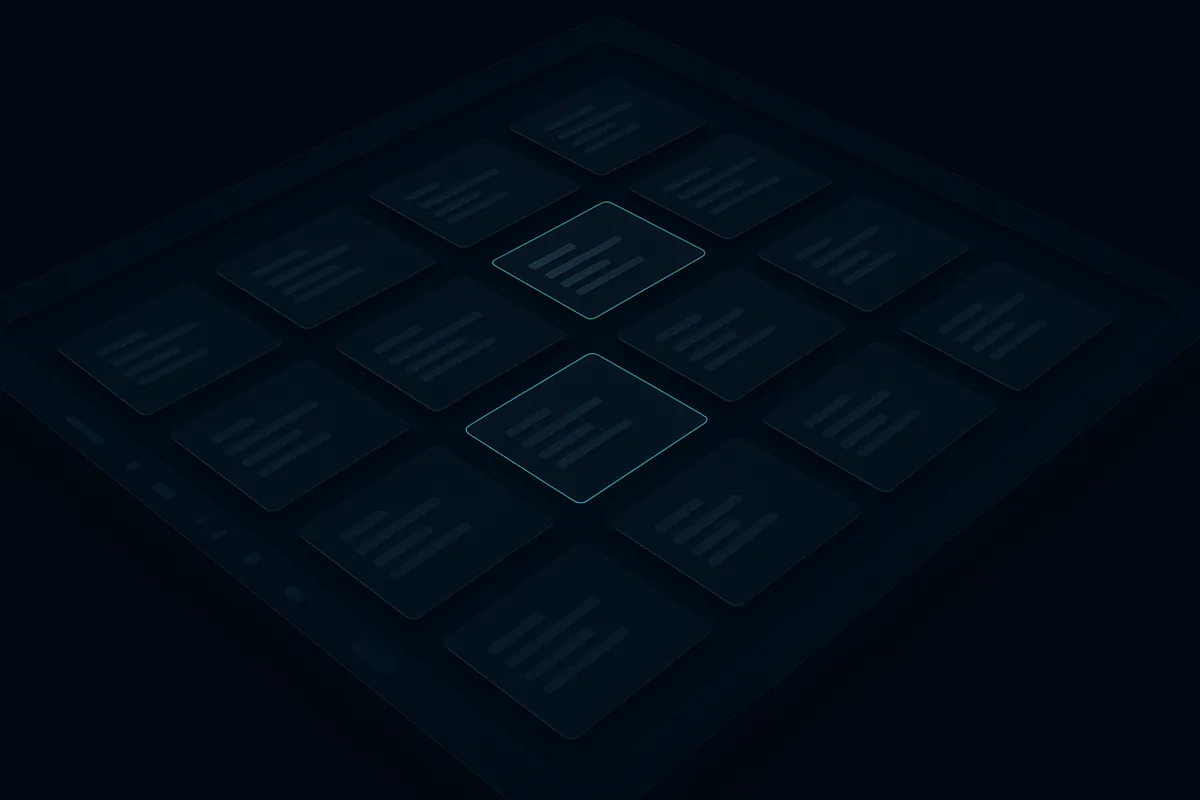
What PCM does to your Portal.
Metadata generation
Suggested descriptions, summaries, and keywords for every item — generated from the layer's schema, content, and naming context. Approve, edit, or reject in bulk.
Naming and consistency checks
Detects items with misleading, ambiguous, or inconsistent names and proposes a rename aligned with your organisation's convention. The Portal stops sounding like five different teams talking past each other.
Orphan and stale detection
Surfaces every item not referenced by an app, Experience, dashboard, or notebook. Flags low-traffic, "test" and "copy" candidates with the evidence needed to delete with confidence.
Folder reorganisation
Builds folder structures by content type, project, or department. Moves items to the right location and sets a standard organisation scheme for everyone after you.
Nothing changes without your sign-off.
Every action — rename, edit, move, delete — is presented as a suggestion with the evidence behind it. Approve one, approve a batch, or reject.
PCM holds the analysis. You hold the keys.
- ◆ Bulk approval with per-item override
- ◆ Full audit log of every change PCM makes on your behalf
- ◆ Reversible operations — undo a batch within the retention window
- ◆ Optional dry-run mode for first-time scans
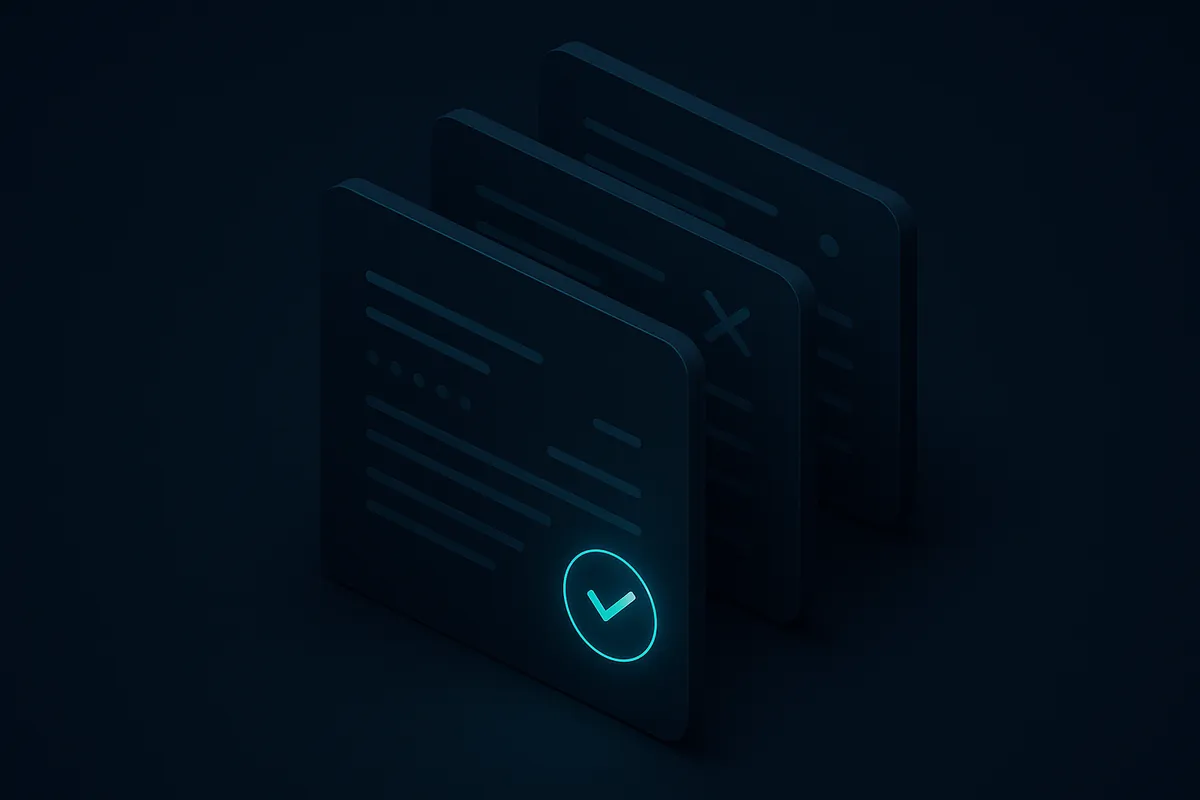
PCM does not decide. It makes deciding easier.
The right way to manage a Portal is the way your organisation already runs. PCM does not impose a taxonomy or enforce a policy.
It surfaces the work that needs doing, presents the evidence, and shortens the distance between "we should clean this up" and "we did".
- ◆ Works with ArcGIS Online and ArcGIS Enterprise Portal
- ◆ Read-only connection for the first scan; write access only after approval
- ◆ No data leaves your environment when deployed on-premises
- ◆ Designed for portals with hundreds to tens of thousands of items

Reclaim your Portal.
Request a scan of your own Portal, see what PCM finds, and decide from there.