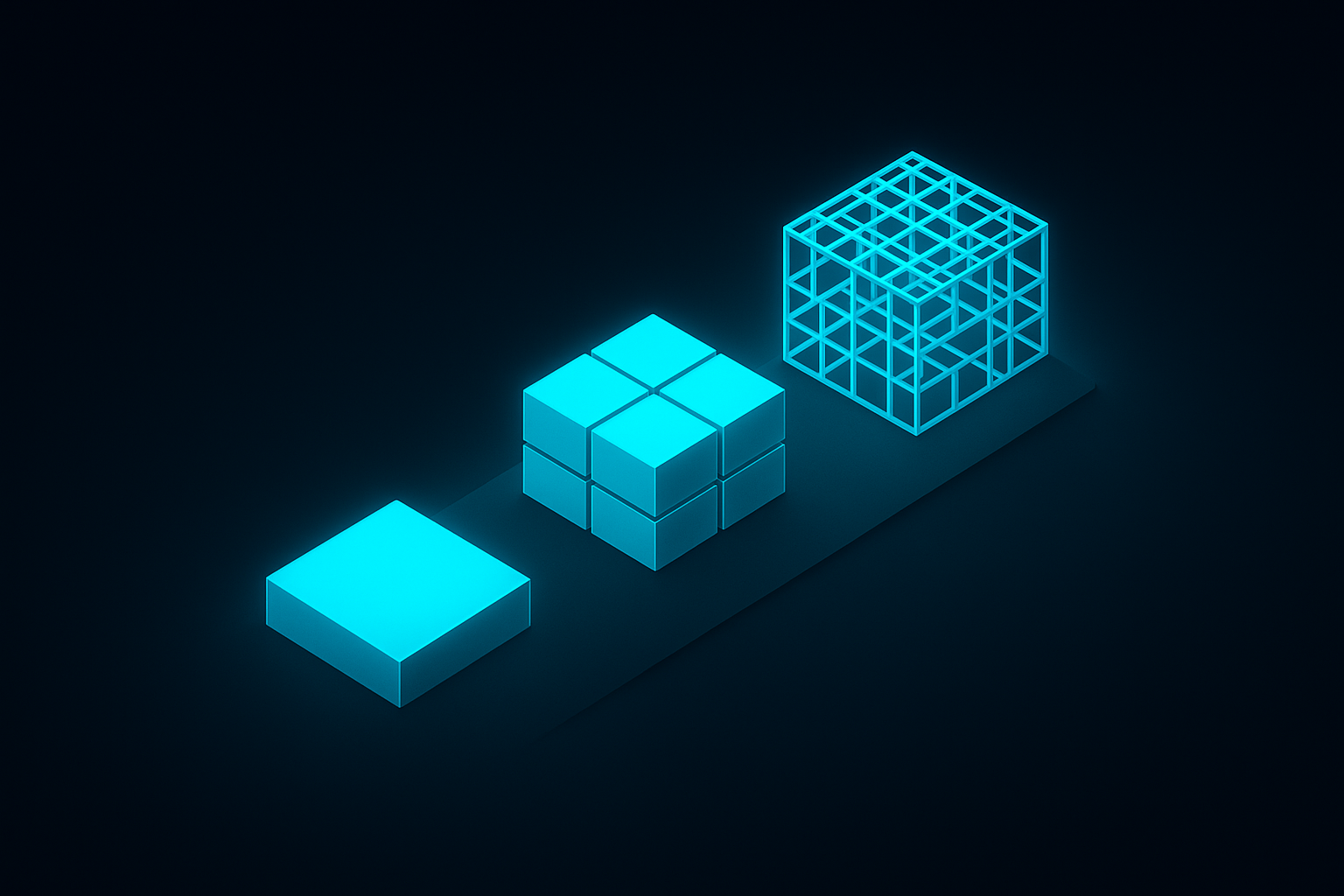
TL;DR — On the ArcGIS platform, almost anything is possible — which makes “can we build this?” the wrong question. The right one is “at which build tier?” ArcGIS offers three: configurable apps (Instant Apps), low-code (Experience Builder), and custom development (the ArcGIS Maps SDKs and APIs). Most teams choose wrong in one of two directions and pay for it in months. This is the framework for choosing right.
Teams come to us with a screenshot of an application they want — a public map, a dashboard, a field tool, a portal — and they ask the same question: can ArcGIS do this? The answer is almost always yes. ArcGIS is a deep platform; the ceiling is high enough that for most municipal, utility, and enterprise needs it is not the constraint.
The expensive question is the one they do not ask: at what build tier should this be done? Choose a tier too low and you spend the back half of the project fighting a tool’s ceiling. Choose a tier too high and you spend a six-figure budget building, and then maintaining, software that a configuration wizard would have produced in an afternoon. Both mistakes are made at the very start — on a whiteboard, before anyone writes a line of code.
This post lays out the three tiers of building on the ArcGIS platform, and a framework for placing your project on the right one.
The Three Tiers of Building on ArcGIS
Every application built on ArcGIS sits at one of three levels of engineering effort. They are not ranked by quality — a well-chosen Tier 1 app is a better outcome than an unnecessary Tier 3 one. They are ranked by how much you build yourself, and therefore how much you own.
Tier 1 — Configurable Apps (ArcGIS Instant Apps)
You start with a web map or scene, choose a purpose-built template from ArcGIS Instant Apps, configure it through a wizard, and publish. There is no code. The output is a focused, responsive, accessible application delivered in minutes to hours.
The strength of Tier 1 is everything you do not have to do. Esri maintains the app; platform upgrades reach it for free; accessibility and responsive behavior are handled. There is no codebase, no pipeline, and no maintenance contract. The limit is equally clear: you get the template’s layout and feature set. You cannot invent a screen the template does not offer, fundamentally change the interaction model, or integrate a non-ArcGIS system in a deep way.
Tier 1 is the right answer when the deliverable is a focused viewer or explorer — a public information map, a before-and-after comparison, a nearby-search, a media-driven sidebar map — and the data already lives in ArcGIS. For a large share of public-facing municipal maps, this tier is not a compromise. It is the correct engineering decision.
Tier 2 — Low-Code (ArcGIS Experience Builder)
ArcGIS Experience Builder is a widget-based, drag-and-drop environment. You compose pages from widgets — maps, lists, charts, filters, tables — control the layout, apply theming and branding, and build multi-page experiences with conditional content. It runs in both ArcGIS Online and ArcGIS Enterprise.
Experience Builder is far more flexible than Instant Apps. It is the tier where a real application takes shape: branded dashboards, multi-step workflows, internal operations portals. A note for teams with older ArcGIS experience — Web AppBuilder has been retired, and Experience Builder is its designated successor. New work should target Experience Builder, not Web AppBuilder, regardless of what an existing deployment still runs.
There is also a genuine middle ground worth knowing: Experience Builder Developer Edition lets a developer build custom widgets and self-host the result. It is a real bridge between Tier 2 and Tier 3 — most of the application is assembled, with custom code only where the requirement demands it.
The limit of Tier 2 is that it remains a widget framework. A UX that does not map cleanly onto assembled components, deep interactions, heavy non-ArcGIS integration, or pixel-exact product design will eventually press against the framework’s edges. Tier 2 is the right answer when the deliverable is a real application, but its interaction model still fits a composition of components.
Tier 3 — Custom Development
Tier 3 is software development. You build the application yourself — every screen, every interaction, every integration — with ArcGIS as the spatial engine and service backend inside it. The toolset is the ArcGIS Maps SDK for JavaScript for the web, the native Maps SDKs (Swift, Kotlin, .NET, Qt) for mobile and desktop, the ArcGIS REST API as the integration contract, and the ArcGIS API for Python for automation and geoprocessing.
Tier 3 has no ceiling. Any user experience, any integration, any performance profile, a complete white-label, or mapping embedded directly inside an existing product — all of it is reachable here, and only here. The cost is that it is software, with everything that implies: developers, a codebase, testing, a deployment pipeline, and ongoing maintenance, including keeping current with SDK releases.
Tier 3 is the right answer when the application is a product or a load-bearing internal system, when the UX cannot be expressed as assembled widgets, when deep integration with non-ArcGIS systems is central to the requirement, or when mapping has to live inside an application you already own.
How to Choose the Right Tier
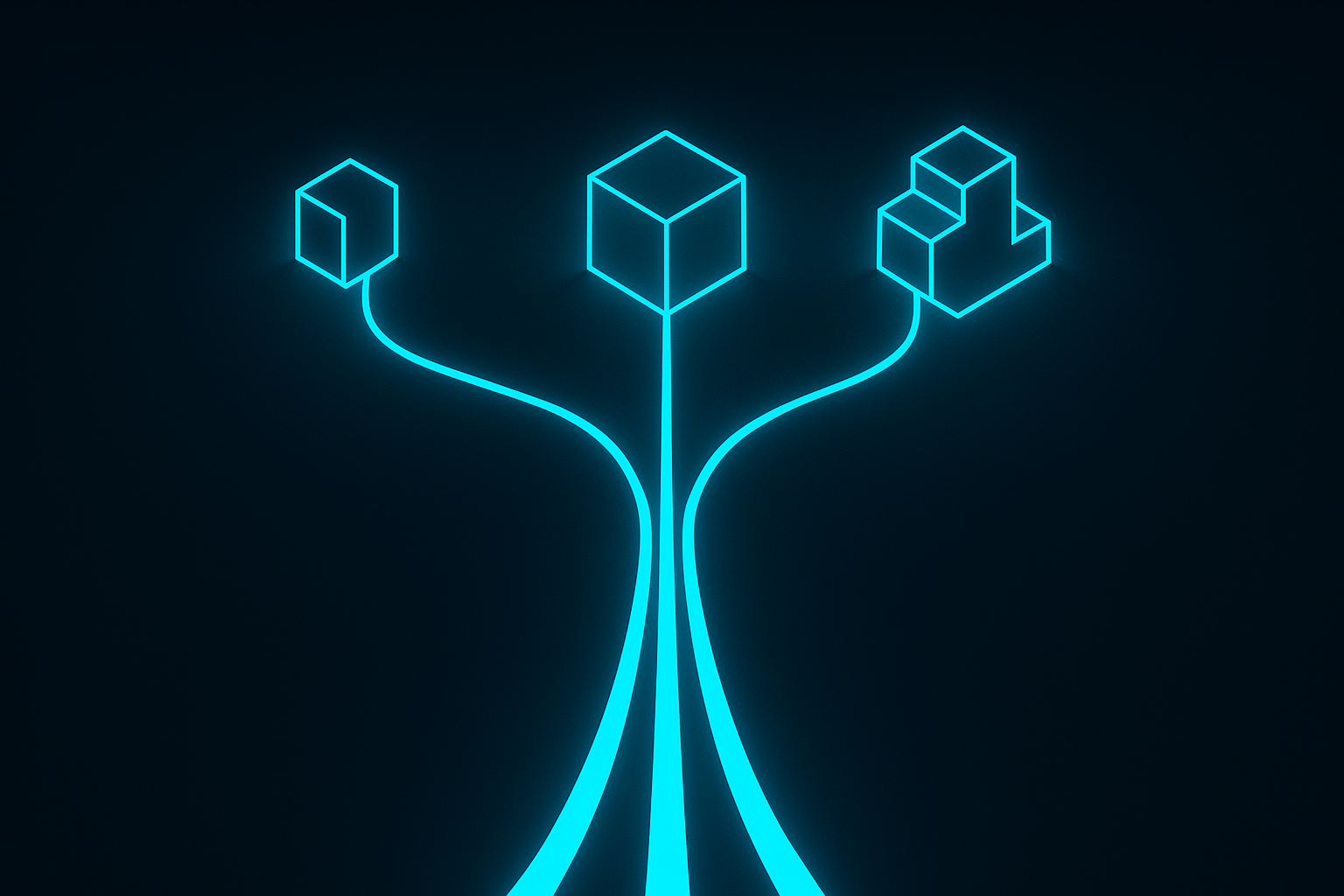
The rule is short: start at the lowest tier that fully meets the requirement, and only move up when a specific requirement forces you to. The discipline is in being honest about what actually forces the move — not what feels more impressive to build.
The Questions That Force You Up a Tier
Run the requirement against this checklist. If the answer to any question is yes, you are probably one tier higher than you first assumed:
- Does the user experience need a screen or an interaction the tool does not offer?
- Does it integrate deeply with a non-ArcGIS system — an ERP, an identity provider, a custom database, a third-party API?
- Does it need to be fully white-labeled, so it does not read as an Esri-built app?
- Does it need a true offline mode or a native mobile experience?
- Does mapping have to be embedded inside an application you already operate?
- Are there performance requirements at a scale the configured tool was not designed for?
One yes typically moves you from Tier 1 to Tier 2, or from Tier 2 to Tier 3. Several yeses point to Tier 3 without much further debate. If every answer is no, resist the pull upward — the lower tier is not a lesser outcome, it is a lower-risk one.
The Mistake in Both Directions
Under-building is the more common failure. A team picks Experience Builder because it is included and fast, then discovers mid-project that the requirement really needed custom code. The back half of the schedule is spent bending widgets into shapes they were never meant to take. The app ships late, brittle, and expensive to change — and the team has a low-code project with a high-code cost.
Over-building is less common but more expensive per occurrence. A team commissions a custom JavaScript application — a codebase, a pipeline, a maintenance contract — to deliver what is, in the end, a public viewer. An Instant App would have produced it in an afternoon and Esri would have maintained it for free. Instead the team now owns software it did not need, and will pay to keep alive for as long as it runs.
Both mistakes are made before implementation begins. That is the case for taking the tier decision seriously as its own step, with its own analysis, rather than defaulting into it.
What “Custom Development” Actually Involves
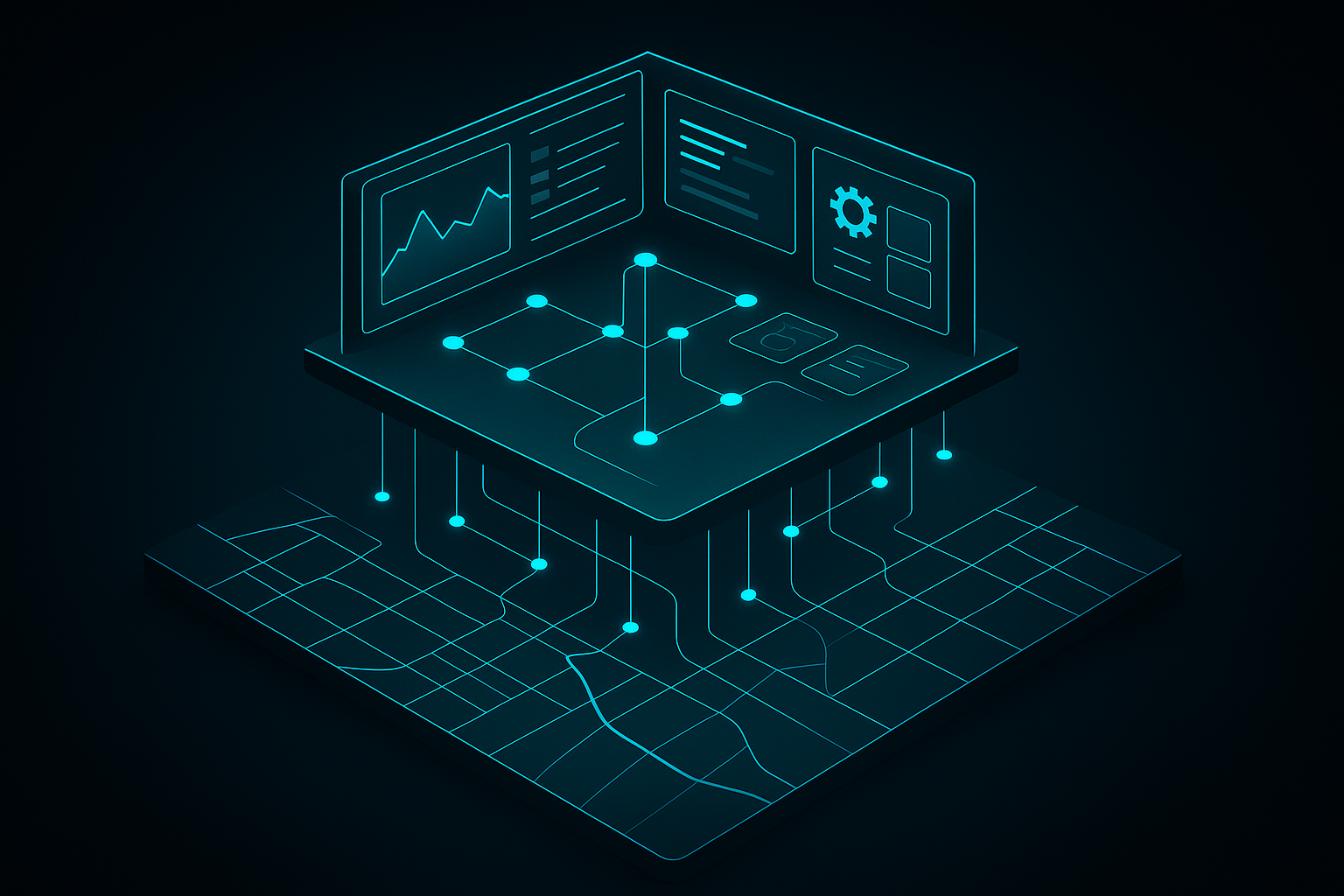
If your project lands on Tier 3, it helps to know what you are actually authorizing — especially if you are the one signing for it rather than writing it.
The toolset. Web applications are built on the ArcGIS Maps SDK for JavaScript. Native mobile and desktop apps use the platform-specific Maps SDKs. The ArcGIS REST API is the contract every integration is written against. The ArcGIS API for Python handles automation, batch geoprocessing, and the data-engineering work behind the app. A Tier 3 project usually touches more than one of these.
The team. Custom ArcGIS development needs front-end engineers fluent in the Maps SDK, someone who genuinely understands the ArcGIS service model — feature services, token-based authentication, the REST API — and enough spatial-data knowledge to model the data correctly in the first place. A capable web developer without the ArcGIS-specific knowledge will produce an app that works in a demo and struggles in production.
The maintenance reality. Custom code is an asset and a liability at the same time. The SDK releases on a regular cadence; an ArcGIS application that nobody maintains drifts out of support like any other software. A Tier 3 budget that covers the build but not the maintenance is an incomplete budget.
The deployment. A custom app is web infrastructure — hosting, a build pipeline, and an authentication strategy for ArcGIS tokens. None of it is exotic, but all of it is real, and it is the part teams forget when they compare a custom build against a “free” Experience Builder app. The honest comparison includes the operational tail, not just the first release.
Where Rodosto Fits
Rodosto Teknoloji is a member of the Esri Partner Network, and the company was founded by a GIS engineer who is a published author on the ArcGIS JavaScript SDK and Web GIS architecture. Tier 3 — custom development on the ArcGIS platform — is our home ground. But the advice we give a client almost always starts a tier lower than they expect.
The first thing we do on any application engagement is the triage described above: take each requirement, place it on the tier that genuinely fits, and recommend the lowest tier that holds. Often that means telling a client they do not need the custom application they walked in asking for — that an Instant App or an Experience Builder configuration will meet the requirement at a fraction of the cost and none of the maintenance. Sometimes it means the opposite: that the low-code app they planned will not survive its own requirements, and the honest answer is custom development from the start.
When the answer is Tier 3, we build it — on a Discover, Architect, Build, Deploy cadence, with the security-first, services-not-files engineering that the rest of our work runs on. The deliverable is an application the client can operate, not a dependency on the people who wrote it.
If you are looking at a screenshot of what you want and wondering how to build it on the ArcGIS platform, the tier decision is the first conversation worth having. Get in touch and we will run the triage with you.
Yes. Custom applications are built with the ArcGIS Maps SDK for JavaScript for the web, the native Maps SDKs for mobile and desktop, the ArcGIS REST API for integration, and the ArcGIS API for Python for automation. This is the highest of three build tiers; many requirements are better met by the lower-effort configurable or low-code tiers.
ArcGIS Experience Builder is Esri’s low-code, widget-based application builder. It lets you compose multi-page applications from configurable widgets with control over layout, theming, and branding, in both ArcGIS Online and ArcGIS Enterprise. It is the designated successor to the retired Web AppBuilder.
Use Experience Builder when the application’s interaction model fits a composition of widgets — dashboards, workflows, branded portals. Move to custom development when the UX cannot be expressed as assembled widgets, when deep non-ArcGIS integration is central, when a full white-label is required, or when mapping must be embedded inside an existing product. Start at the lower tier and move up only when a specific requirement forces it.
The ArcGIS Maps SDK for JavaScript is Esri’s web mapping SDK for building custom browser-based GIS applications. It is the core toolset for Tier 3 custom development on the ArcGIS platform, and was previously known as the ArcGIS API for JavaScript.
Web AppBuilder has been retired by Esri. New application work should target ArcGIS Experience Builder, which is its designated successor. Existing Web AppBuilder apps should be planned for migration rather than extended.
Rodosto Teknoloji is an Esri Partner Network member that begins every application engagement by triaging requirements onto the correct build tier — recommending the lowest tier that meets the need. When custom development is the right answer, Rodosto builds it on a Discover–Architect–Build–Deploy cadence, delivering an application the client can operate independently.